
Veo 3.1 Video Generator
Generate sharp 480p–1080p clips in seconds. Add text or an image; Veo 3.1 Video Generator outputs synced, ad‑ready video for promos, explainers, stories.
Feedback
All Tools
Explore our comprehensive suite of AI-powered tools
Seedance2.0
The Future of AI Video Is Here.

Free AI Image
Truly Free AI Image Generator

Veo3.1
Create Stunning Videos with Veo3.1
Sora2 AI
Advanced AI Video Generator for High-Quality Videos

Kling3.0
Next-Gen AI Video Generator
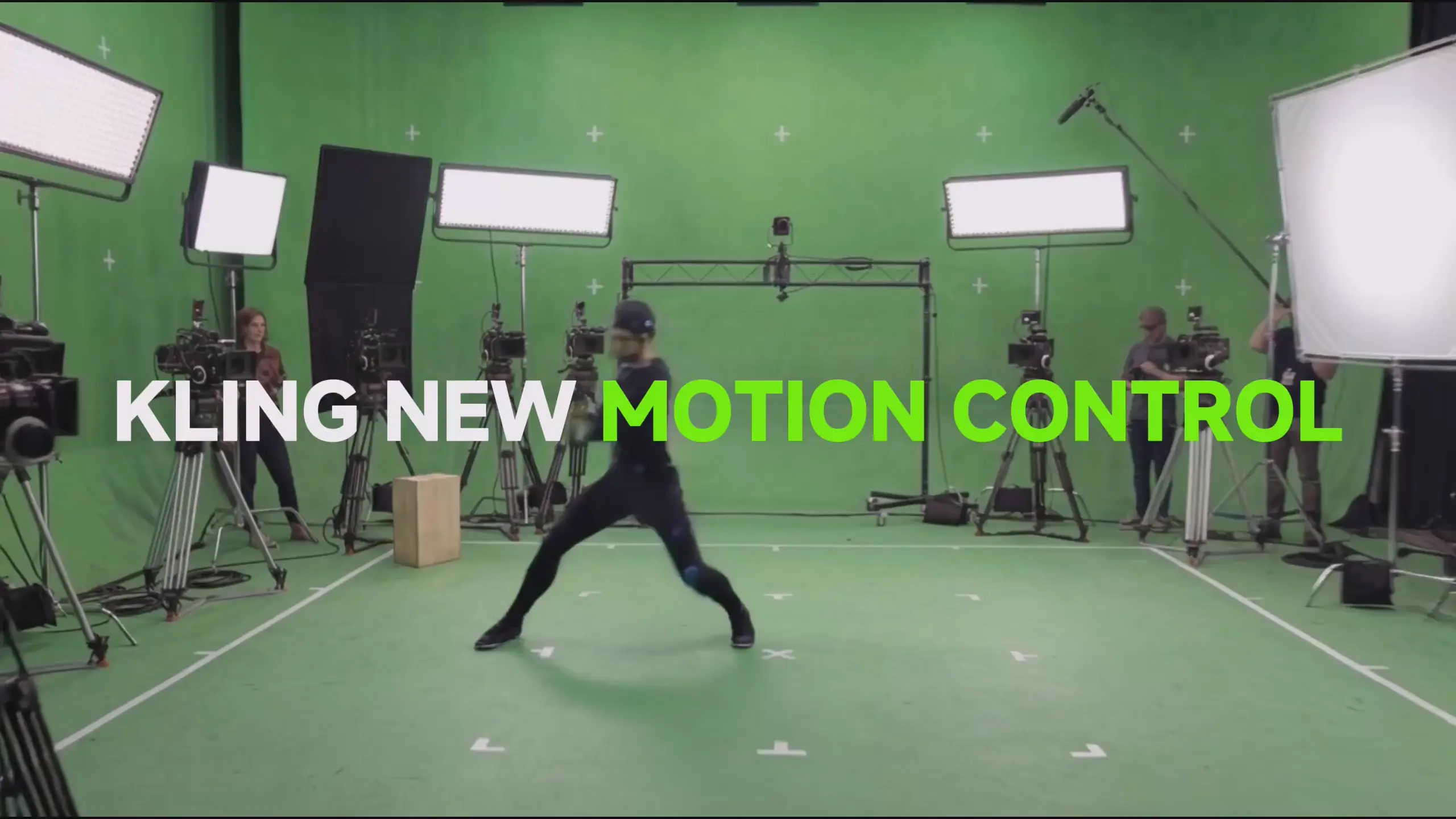
Kling 3.0 Motion Control
Turn reference images into amazing motion videos in minutes
Kling 2.6 Video Generator
See the Sound, Hear the Visual.
Grok Video Generator
Create Videos from Text or Images with AI
Why Use Veo 3.1 Video Generator?
Convert text or images into 480p–1080p multi‑shot clips quickly. Ideal for creators, brands, campaigns.
- Text to VideoProvide a prompt → receive a cinematic sequence.
- Image to VideoUpload an image → natural motion added.
- Quality Output480p / 720p / 1080p for any screen.
Benefits of Veo 3.1 Video Generator
Fast output, flexible text/image input, pro camera motion, detailed physics.
Using Veo 3.1 Video Generator
4 steps: choose mode, add prompt/image, set options, generate.
Core Features
Multi‑character, emotion, style range, UHD, precise control, smooth motion.
Multi‑Character
Complex natural group interaction.
Emotion
Nuanced expressions and body language.
Style Range
Realistic to artistic; adapts to brief.
UHD Quality
Crystal clear 480p–1080p output.
Precise Control
Fine control of look and motion.
Smooth Motion
Stable, natural movement.
Veo 3.1 Video Generator FAQs
Usage, output, rights, speed in brief.
What is it?
Veo 3.1 Video Generator converts text/image to 480p–1080p clips quickly; easy for any user.
What styles?
Realistic, artistic, branded; supports text & image inputs.
Speed?
Typical render ≈2–3 minutes depending on complexity.
Downloads?
All clips downloadable; Pro = HD no watermark.
Rights?
Premium plan grants full commercial rights.
Quality?
480p / 720p / 1080p with rich color, cinematic look.
Start with Veo 3.1 Video Generator
Create polished clips now.